
Lesson 13 of 13 · 3 min
Add new listings later
Bring new buildings, room types and units into Streamhost after you've gone live.
What you'll learn
- Add new listings by re-importing from Host Platform
- Add new listings by hand and link their external IDs
How you add new buildings, room types or units depends on how you first set up your listings.
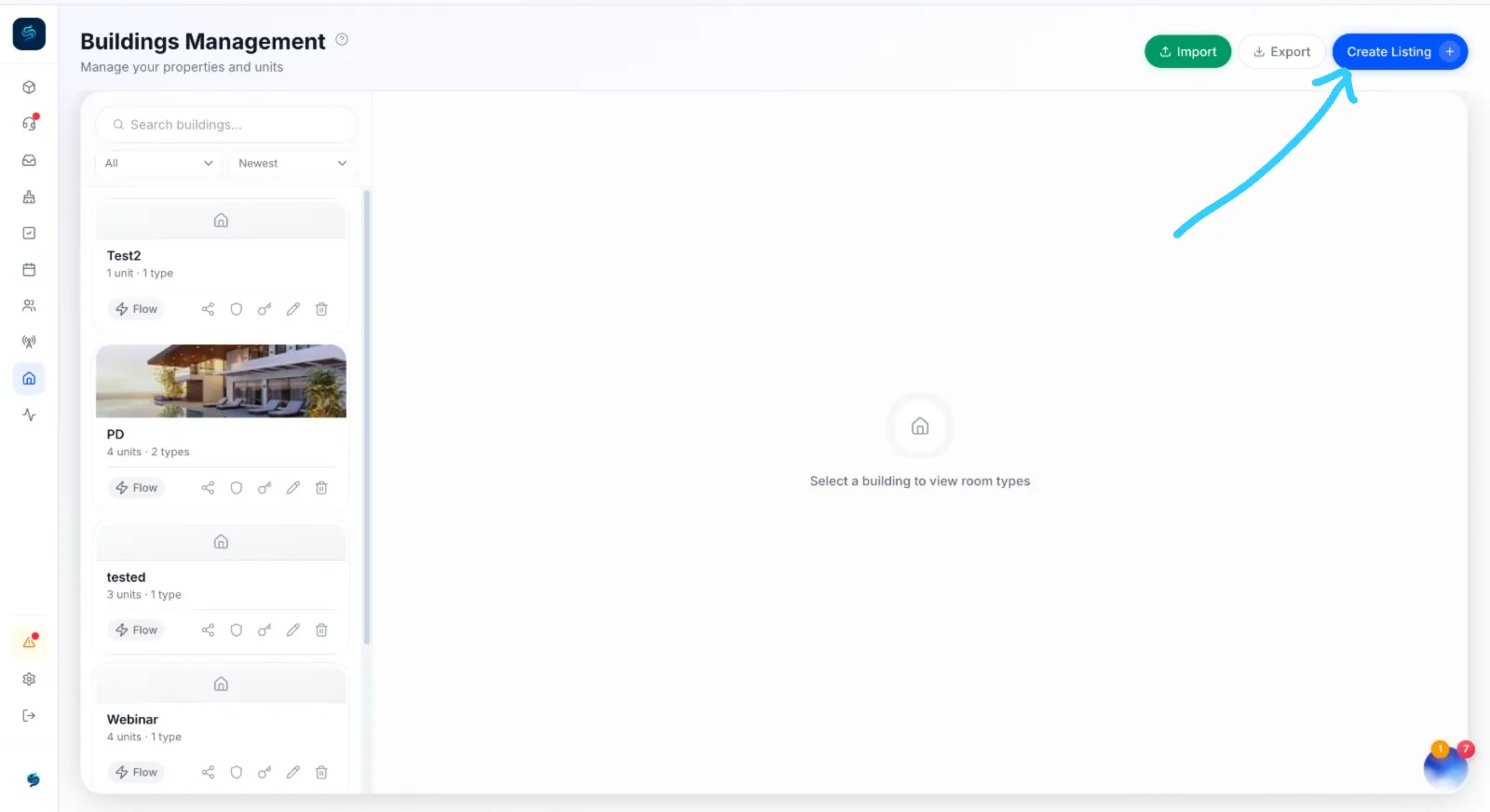
If you imported from Host Platform
Whenever you add listings in Host Platform:
- Ask Host Platform for the latest API external ID Excel file.
- In Streamhost, go to the Buildings page.
- Select Import and upload the new Excel file.
Your new buildings, room types and units appear in Streamhost.
If you created listings by hand
- Go to Create Listing.
- Select the building, or create it first if it's brand new.
- Select the room type.
- Create the new unit under that room type.
- Open the new unit and select edit (✏️).
- Enter the unit's External ID from Host Platform's Excel file.
- Select Save Changes.